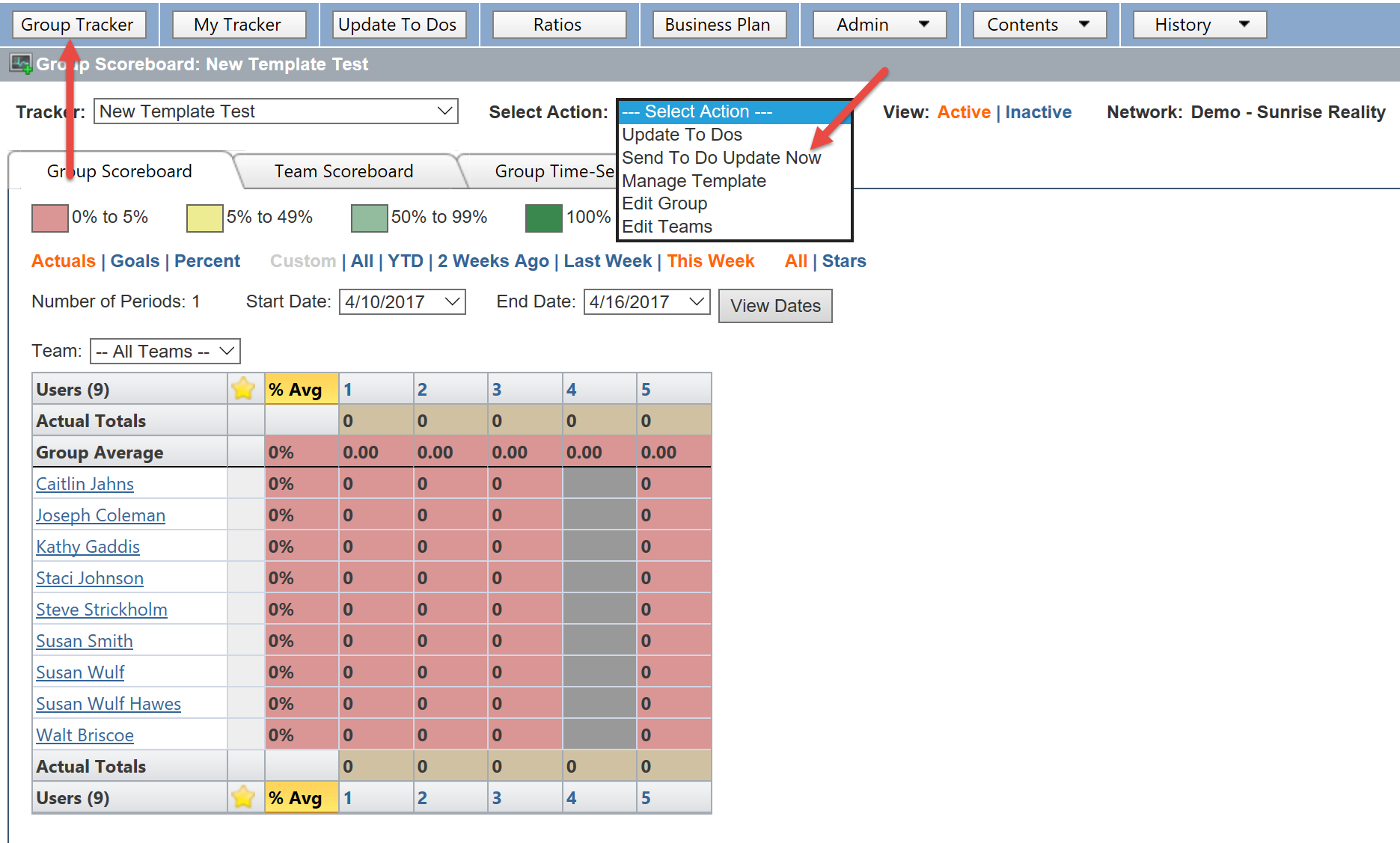
The agents listed in your KDNA Goal Tracker will receive a daily e-mail alert to update their KDNA accounts each morning. You may want to send another alert to your clients at the end of the day, or at any time you want to give your agents a little extra nudge to update their trackers. You can easily send an extra e-mail alert to all of the agents listed in your account by:
1. Logging into your KDNA account at kdna.kdna.com
2. Select the Group Tracker tab.
3. Find the Select Action drop down menu.
4. Select Send To Do Update Now.