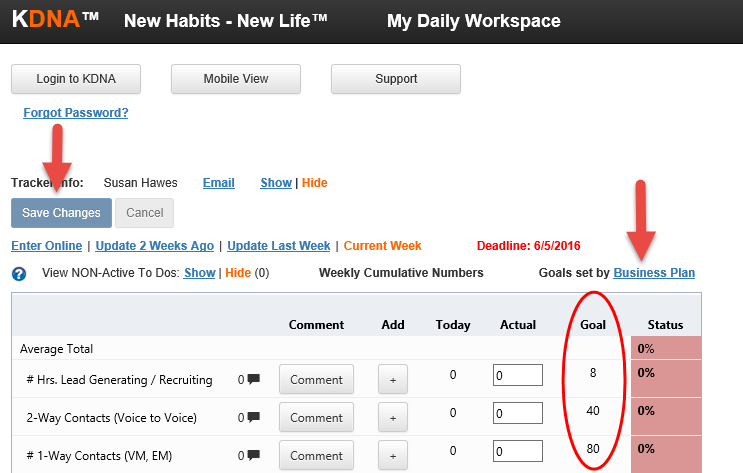
When a new tracker is started or a new user is added to an existing tracker, the initial goals are set by the Master Template. Your manager or coach may have then modified those goals specifically for you.
Now, you may want to modify those goal values further. However, you may or may not have the permissions to do this. When you access your Landing Page, you will see text that indicates if you can change your goal values. This text is:
- Goals set by User - This means that you can change the values in the Goals column. Once you change the values, select the Save Changes button and the new goal values will go into affect.
- Goals set by Manager - This means that the tracker manager has set the goal values for you. Only the tracker manager(s) can modify the goal values.
- Goals set by Business Plan - This means that you or your manager/coach have activated a KDNA Business Plan. In this case, the goals can only be driven from the Business Plan and cannot be changed on the Landing Page.